
Browse leagues and clubs
In team selection, choose the league before browsing the clubs. The cards show the selected team, its kit and ratings. Choose both your side and the opposition in Friendly; online, each person confirms their own team.
The overall attack, midfield and defence figures are a way to compare teams within the game. They do not guarantee a result or replace checking individual attributes.
Compare your players
Open My team to examine the squad. Pace, shooting, passing, tackling and goalkeeping have different roles. A fast player can create space, while one with better passing can help build an attack.
Condition shows the energy available. Sprinting tires players out and rest helps them recover. Before making a substitution, consider both the tactical role and the condition of the player coming on.
Kits and characters
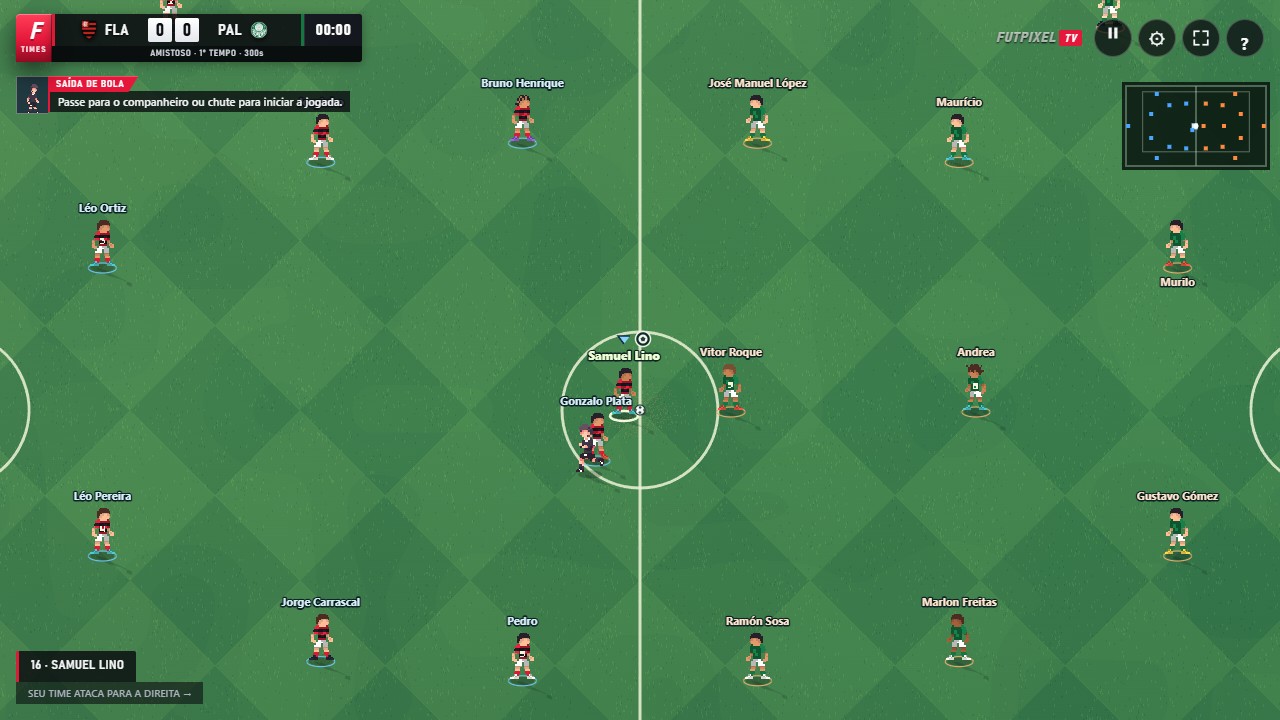
Players are depicted in pixel art, with their appearance adapted to the game's visual style. Team selection lets you check the kit before a match. On the pitch, use names and control indicators to help recognise players too.
Squads and appearances reflect the data included in the published version. Real-world football transfers and changes are not automatically synced in real time; a change requires a catalogue update.
Create your own challenge
Try a friendly between teams from different leagues, or choose a club for a campaign in League mode. To play with a friend, use an online room and confirm both teams before selecting Ready.
FutpixelTV is an independent game. References to clubs and competitions identify the available content and do not imply an official affiliation with their organisations.
Open FutpixelTV and put this guide into practice.
Play now ↗