
PLAYER HUB / FUTPIXELTV
The game begins.
Learn it
on the pitch.
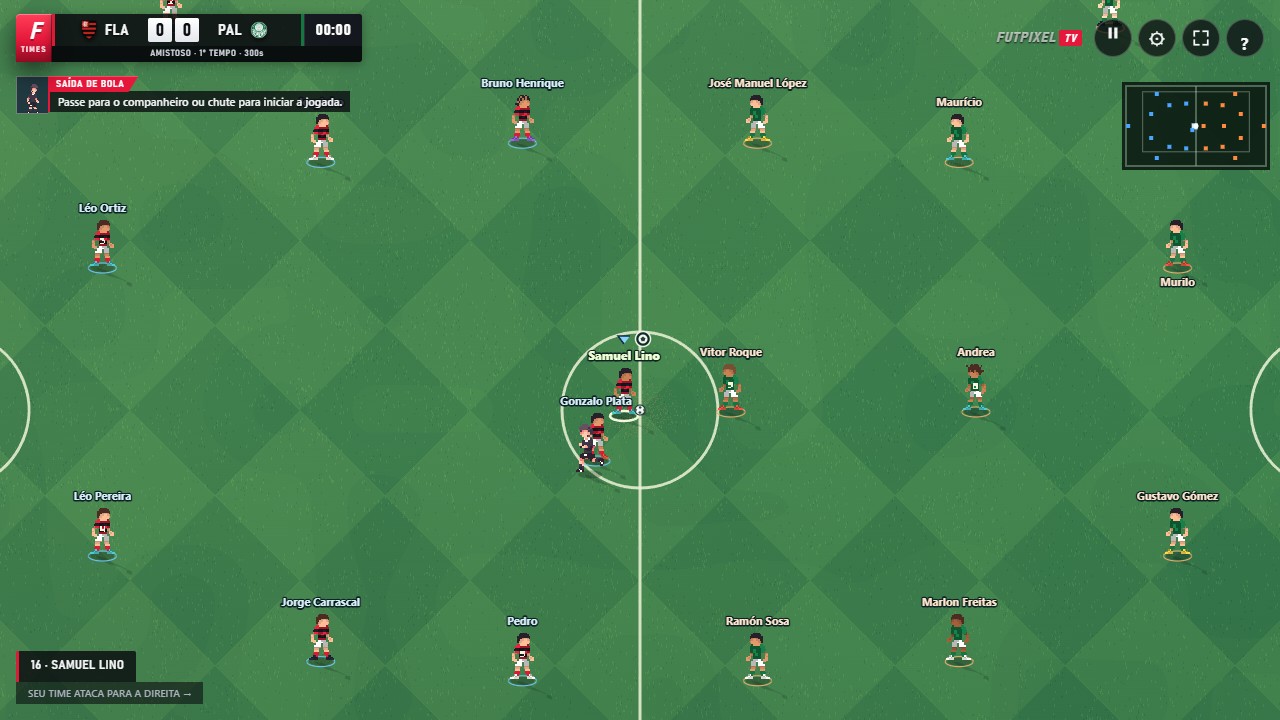
11-a-side pixel art football, right in your browser. Find your first pass, set up your controller and get ready for the next match.
Keyboard · controller · touch
01 / GUIDES
Start here
Your first match
Learn to choose teams, start a friendly and control passing, shooting and defending in FutpixelTV, the 11-a-side pixel art football game for your browser.
03Start hereAll the controls
Find the keyboard and controller commands for FutpixelTV: passing, shooting, sprinting, through balls, one-twos, defending and pausing, plus the differences on touchscreens.
04Start hereSet up your controller
Learn to test and remap a controller in FutpixelTV, including Wii U Pro with WiinUSoft and controllers that appear as Xbox devices in the browser.
13Start hereTake the game with you
Play FutpixelTV in your mobile browser, learn the touch controls and find out how to install the web app and use local modes offline.
14Start hereAdjust your game sound
Find out where music plays in FutpixelTV, how to check the current track and how to adjust or mute music, the crowd, effects and menu sounds.
02 / GUIDES
Community
03 / GUIDES
On the pitch
Pass and move to receive
Understand pass power, receiver selection, one-twos with L1 and through balls along the ground or over the defence in FutpixelTV.
06On the pitchFind the corner of the goal
Improve your finishing in FutpixelTV: the power bar, aiming, curve, chips, headers and goalkeeper rebounds explained step by step.
07On the pitchCreate space. Tighten your defence.
Learn to use feints, sprinting, pressing and player switching in FutpixelTV while managing energy and avoiding unnecessary fouls and cards.
04 / GUIDES
Game modes
Compete in a league
Learn how to choose a team, follow the standings and continue through the rounds in FutpixelTV League mode in your browser.
09Game modesPractise one move at a time
Explore shooting, penalties, free kicks and free training in FutpixelTV, with exercises to learn aiming, power and curve.
11Game modesThe setting for your match
See the five FutpixelTV stadium styles in images from the game: Arena, Classic, Cauldron, Colosseum and Olympic, by day or at night.
05 / GUIDES
Your team
Choose who takes the pitch
Explore the clubs from Brazil, England, Italy and Spain in FutpixelTV and learn to compare squads and player attributes.
12Your teamAdjust your team during the match
Understand the 4-3-3, 4-4-2 and 3-5-2 formations, team mentalities and substitutions through the FutpixelTV pause menu.
FROM THE PAGE TO THE PITCH
Your next move
starts here.
Play now ↗Friendly matches, leagues and training. Sign in to play online and use the community.