
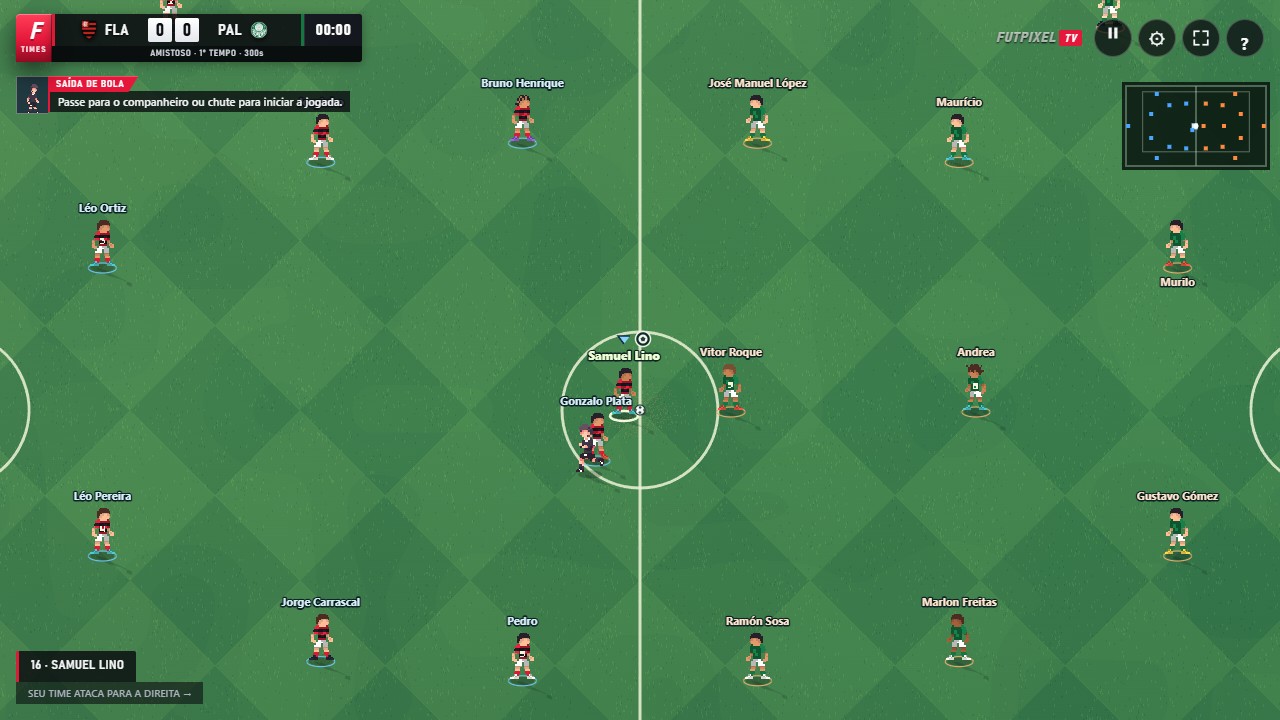
Start with your club
On the home screen, open League, choose the league and select the team you will control. Compare attack, midfield and defence ratings, but look at the squad too: attributes and positions help define your playing style.
Check the match options before starting. You can adjust bot difficulty in the settings. It affects decisions and finishing by game-controlled players without changing your team's attributes.
Follow every round
Use the league screen to check fixtures and standings. After completing a match, return to the competition and continue with the next available round. Your place in the table depends on results, so draws and defeats are part of the campaign.
Before the next match, review your formation and players' strengths. A team that works best down the wings may call for a different approach from one that is stronger through the middle.
Look after your local progress
League progress is saved in this browser's storage. Avoid clearing the site's data if you want to continue your campaign. Private browsing, another computer or a different browser profile do not automatically share that progress.
Do not confuse a community account with a cloud backup of every local campaign. The account identifies you online; League mode has its own storage flow on the device.
Prepare without risking a league match
Use Training to try finishing and set pieces before returning to the competition. In Friendly, you can test a single match. These modes help you get to know your players without the pressure of a decisive round.
Open FutpixelTV and put this guide into practice.
Play now ↗