
Play with touch controls
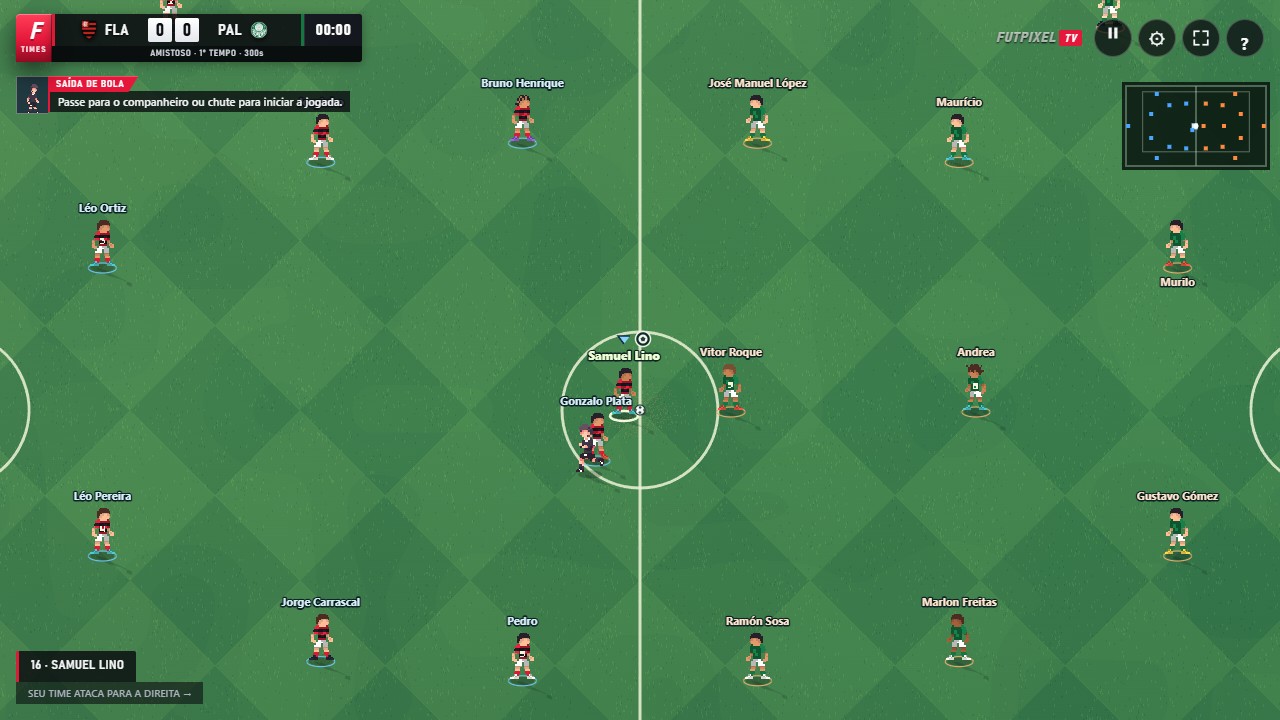
Open the site and choose a mode. During the match, use the directional pad to move and the buttons to pass, shoot and perform other actions. You can hold Pass and Cross to charge power. Try rotating your phone to find a comfortable position for your hands.
The screen space changes how the controls are arranged. Avoid covering the area you need to read the play, and pause to take your time adjusting options. A controller recognised by the browser can also be set up in the Controller tab.
Add it to your home screen
When the browser offers installation, use that option. Otherwise, look in the browser menu for Install app or Add to home screen. The command's name and availability vary by device and browser.
The shortcut opens the same web experience. You do not need to look for an APK file to use the game. Let the first load finish with an active connection before relying on access without the internet.
What works offline
Once the necessary files have been stored on the device, Friendly, League and Training can work offline. Your first visit needs an internet connection. The browser may remove stored files, so offline play depends on that content remaining available.
Online matches, chat and friends need a connection. Music loads as needed and is not part of a required download of the whole soundtrack. Do not count on every track being available without a network connection.
Updates and local data
While connected, the game checks for new versions and may update when it returns to a safe point, such as the home screen. Settings and local progress belong to the browser you use. Clearing the site's data may remove those preferences and campaigns.
If you change devices, test your controller and sound options again. Signing in to the same community account does not mean every piece of local data will transfer.
Open FutpixelTV and put this guide into practice.
Play now ↗