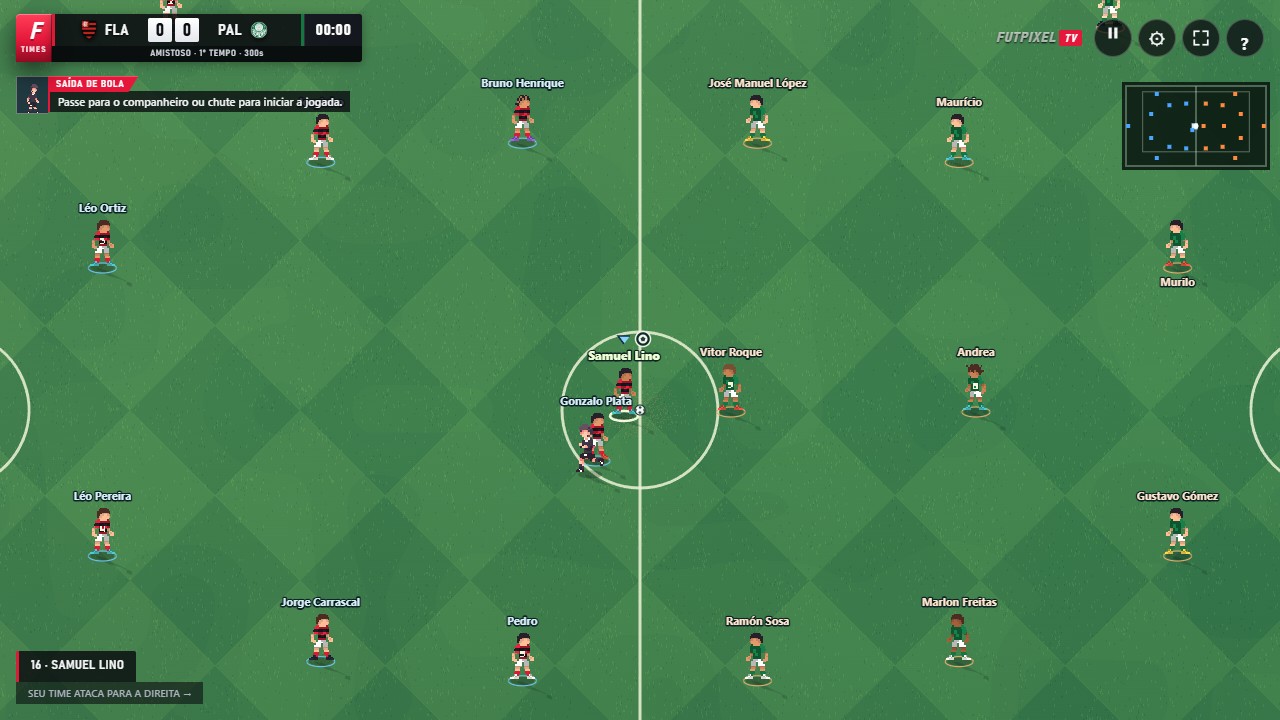
Movement and main actions
| Action | Keyboard | Controller |
|---|---|---|
| Move | WASD / arrow keys | Left stick |
| Pass / press | X | ✕ / A |
| Shoot / slide tackle | Space: shoot Z: tackle | ○ / B |
| Cross | C | □ / X |
| Through ball | T | △ / Y |
| Switch player | Q | L1 / LB |
| Sprint | Shift | R1 / RB |
| Feint | V | R2 / RT |
| Push | E | L2 / LT |
| Special | J | L3 |
| Shot curve | B | R3 |
| Pause | P | Start |
Attacking combinations
L1 / LB + ✕ / A plays a one-two; on the keyboard, use R. L1 / LB + △ / Y plays a lofted ball over the defence; on the keyboard, use G. Hold the modifier first, then press the button for the pass you want.
For a chip, keep Shoot held and tap Cross before releasing the shot. Passes, crosses and through balls have a power bar. For high balls, the buttons also control headers, headed passes and flick-ons: the action depends on the ball's actual position.
On mobile
Use the directional pad and buttons on the screen. Hold a direction together with Sprint to accelerate. Pass and Cross can be held to charge power. One-twos and through balls have their own keyboard and controller commands; they do not have dedicated touchscreen buttons.
Navigation and customisation
Use the directional pad or stick to move the highlight in menus. The hints at the bottom show the confirm, back and next actions available on that screen. In Settings → Controller, you can test the device and map each action. The controller illustration does not replace testing the physical button.
Open FutpixelTV and put this guide into practice.
Play now ↗